How to Remove VBA Password using VBA Password Remover Tool
SysTools VBA Password Remover is an easy & simple to use vba password recovery tool torecover vba password, to remove vba password. Software supports toremove vba passwords from MS Excel, MS Access, MS Word, MS Powerpoint & MS Outlook. Follow the below steps to remove vba password.
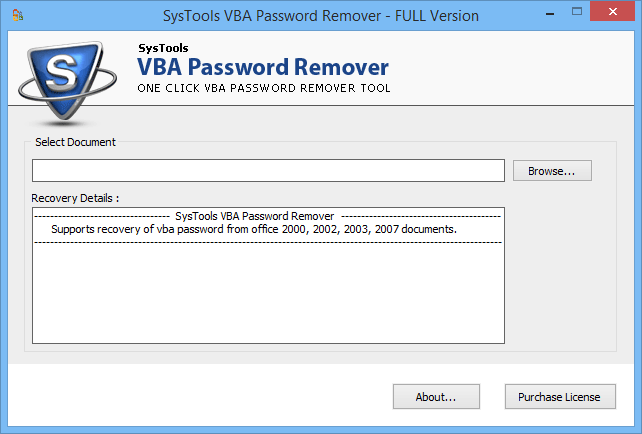
- Go to Start > Programs > SysTools VBA Password Remover , Open SysTools VBA Password Remover as follows:

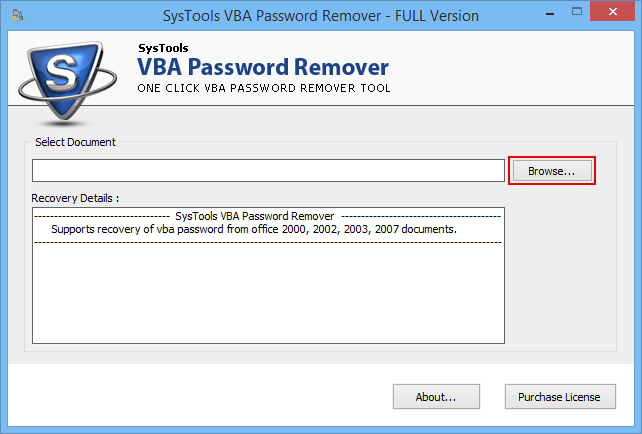
- Next step is to select MS Office documents having VBA Projects (MS Excel, MS Word, MS Access, MS Outlook, MS Powepoint). Click on Browse button to select the VBA project file as shown in the figure below:

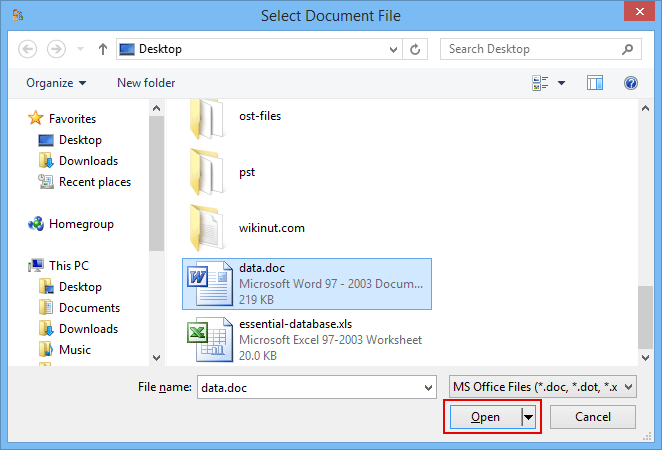
- After clicking on browse button, soft ware will display an Open as shown below. Just browse and select the file having VBA Projects protected with password.

- Select the VBA Project Files and click on Open button.
"Please make sure you select Password Protected Access Database file."
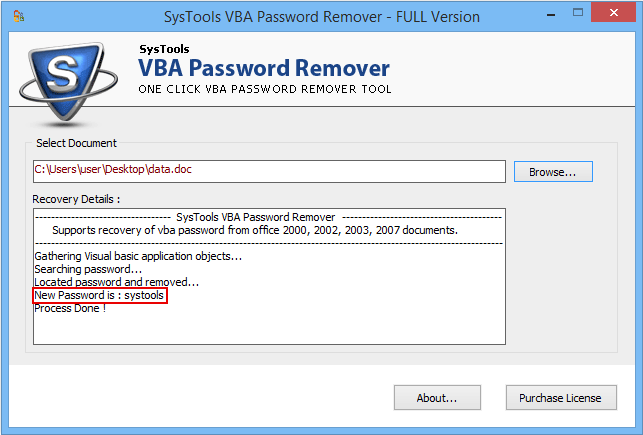
- After selecting the Password Protected MS Office Files(MS Excel, MS Access, MS Word, MS Powerpoint & MS Outlook), VBA Password Recovery program will display the new password as shown below:

It is possible to unlock your protected VBA project files using the freshly created password, which works as your new working password for that VBA file.Demo Version will help you see 2 characters of the changed VBA password.