How it Works
Step 1
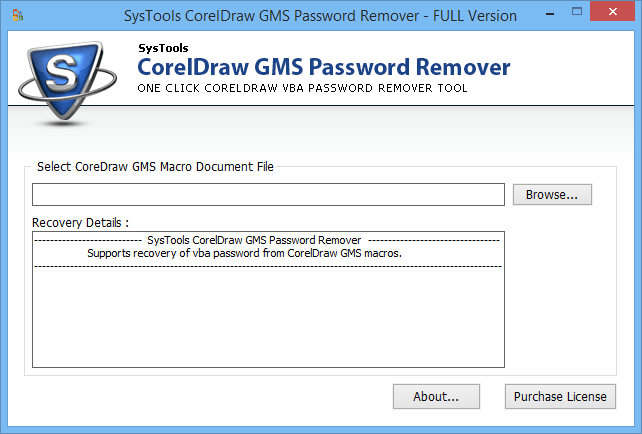
Go to Start Menu >> Programs >> CorelDraw GMS Password Remover. After clicking on the software, below shown screen will appear.
Step 2
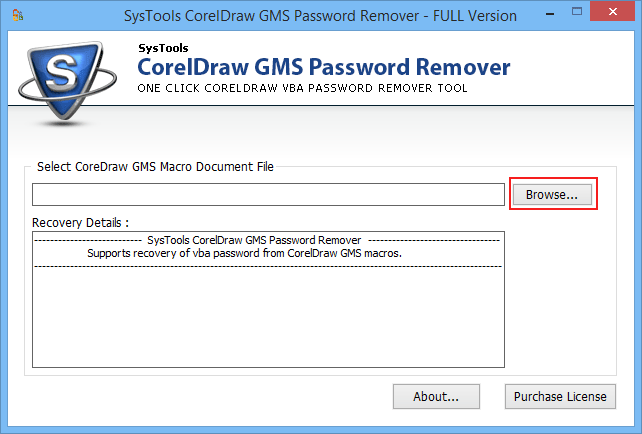
Add file by clicking on the Browse button.
Step 3
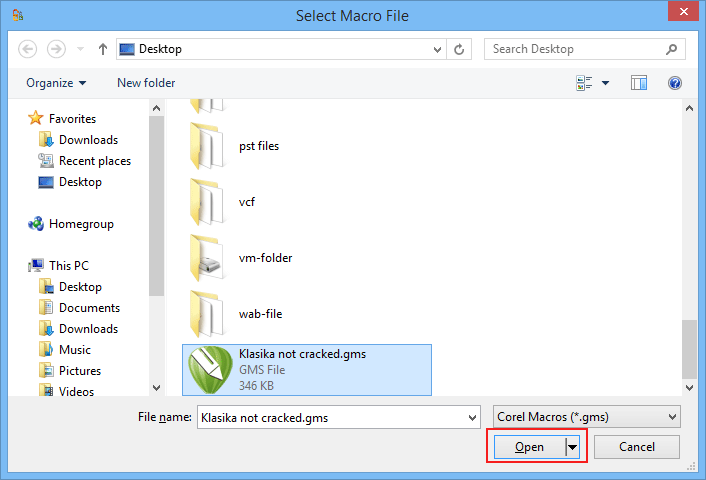
After selecting the file click on Open button.
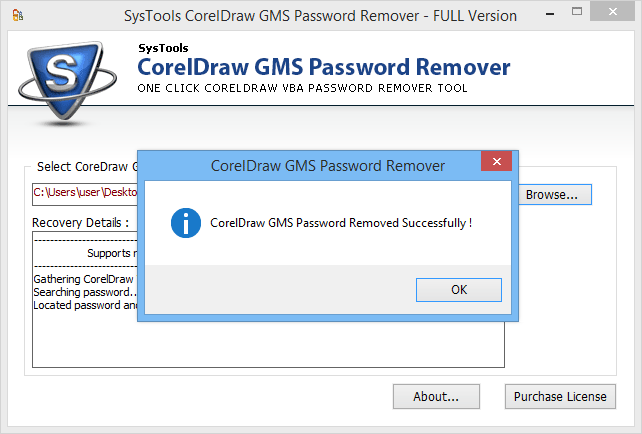
Step 4
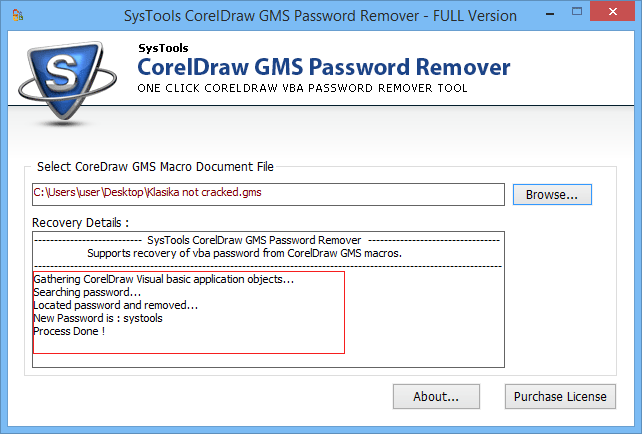
A pop up window will appear which shows that password has been successfully removed.
Step 5
Now you can see the new password in recovery details section.